
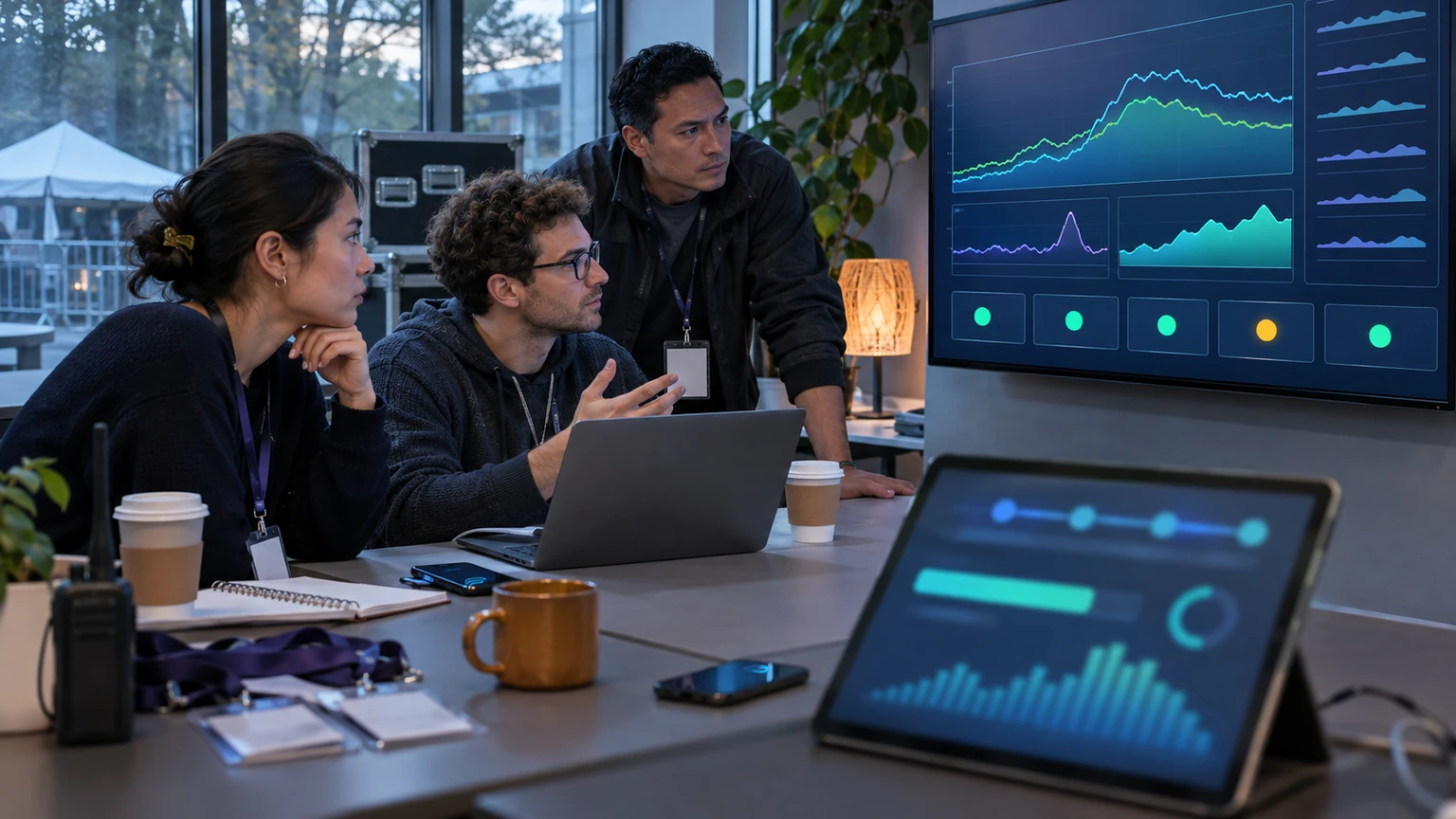
Peak registration is where event apps get tested hardest.
A platform can feel stable for weeks, then slow down sharply when a major on-sale opens, a popular session drops, or thousands of attendees start checking in at once.
That is why automated performance monitoring matters for event technology teams. The goal is not technical elegance on its own. It is protecting real event operations: signups, payments, badge issuance, agenda access, and support workflows.
OpenAI recently described how it built the Performance Factory, a system of Codex-powered workflows that finds and fixes performance issues to help keep ChatGPT fast. For event app teams, the useful takeaway is not to copy another company’s stack directly. It is to understand the operating model behind it: find bottlenecks quickly, prioritise what affects users most, and reduce the time between detection and action.
In event tech, performance is not only an engineering metric. It is part of attendee operations.
Why this matters for event operations
Latency problems in event apps rarely stay isolated inside the product team.
When registration pages slow down, the effect spreads quickly:
- attendees abandon purchases or form completion
- support teams receive more “is the site down?” requests
- marketing teams struggle to judge campaign performance accurately
- finance teams see payment recovery and reconciliation issues
- on-site teams inherit preventable check-in problems later
- sponsors, exhibitors, and speakers lose confidence in the platform
For large events, even small delays can compound during short, high-demand windows. A two-second slowdown on a quiet afternoon may be tolerable. The same slowdown during a timed registration release can turn into queueing, retry traffic, failed transactions, and staff escalation.
What we can say, and what we cannot
From OpenAI’s published example, it is reasonable to say that automated, AI-assisted performance workflows can help engineering teams identify and address speed issues more systematically. It is also reasonable to say that this kind of model is relevant to event platforms, where demand often arrives in spikes rather than smooth daily volumes.
It is further reasonable to say that event apps benefit when teams shorten the cycle between detecting a slowdown, understanding the cause, and applying a fix.
What we cannot say from this source alone is:
- that OpenAI’s exact approach will transfer directly into every event app stack
- that AI-driven monitoring automatically fixes every latency issue
- which tools, vendors, or models are best for a specific organiser
- what measurable uplift any one team will see after adoption
- that automated remediation is safe for every production workflow
That distinction matters. The lesson is not that one published system solves event performance by default. The lesson is that event teams should treat performance work as an operational process, not only a one-off engineering task.
The practical standard is simple: can your team see peak registration problems early enough to act before attendees feel them at scale?
Start with the failure map, not the monitoring tool
Many teams begin with dashboards. That is understandable, but it is often the wrong first step.
Before choosing how to automate detection, map where performance failure would hurt the event most. For most event apps, the highest-risk journeys are predictable:
- account creation and login
- ticket selection and pass upgrades
- promo code application
- checkout and payment confirmation
- session booking or agenda personalisation
- badge lookup and QR code retrieval
- admin-side reporting during on-sale and on-site windows
Once these journeys are clear, performance monitoring becomes more useful. Instead of asking, “Is the platform healthy overall?” you can ask, “Are the flows that protect revenue and attendee movement still fast enough?”
Instrument the moments that matter most
Not every metric deserves the same attention during a registration spike.
For event operations, a smaller set of measurements usually matters most:
- page and API response times on registration steps
- error rates by step, especially login, payment, and confirmation
- retry behaviour, refresh behaviour, and abandonment patterns
- queue length or throughput for badge or check-in workflows
- database or service dependency slowdowns during peak periods
- time to recover once degradation begins
This is where automation helps. A monitoring layer should not simply store telemetry. It should surface unusual changes fast enough for a team to respond while demand is still active.
For example, if checkout latency rises only for one ticket type, or if badge printing slows only at one venue connection point, the alert should lead the team toward the affected workflow, not just announce that something is “red.”
Build a triage loop for peak demand
The strongest monitoring setup still fails if nobody knows what happens next.
Event platforms need a clear triage loop for high-pressure windows. That usually means defining:
- what counts as a meaningful slowdown
- who receives the alert first
- who confirms whether it is a real issue
- how impact is assessed by attendee-facing workflow
- what action can be taken immediately
- when communications or status updates are needed
This does not need to be complicated. In fact, simpler is usually better during live event demand.
If automated monitoring flags a problem but the engineering team still spends twenty minutes debating ownership, the operational value is weak. The purpose is faster clarity, not more noise.
Prioritise fixes by attendee impact
During a peak registration issue, not every defect deserves equal urgency.
A practical event operations model is to rank incidents by impact on conversion, entry, and service continuity.
1. Revenue-critical journeys
Anything affecting ticket purchase, payment authorisation, or registration confirmation should rise to the top quickly.
2. Arrival-critical journeys
During event days, issues affecting badge retrieval, QR code access, or check-in speed can become front-of-house problems within minutes.
3. Support-multiplier issues
Some defects do not break the journey completely but trigger large support volume. These deserve more weight than their surface severity may suggest.
4. Reporting-only issues
Important, but usually not first if core attendee transactions are still healthy.
This is one of the strongest lessons event teams can borrow from a performance-management mindset. Fix what protects the live operation first.
Use automation carefully, with safe boundaries
Automated performance monitoring is easier to justify than automated production changes.
That is why event teams should separate three layers clearly:
- detection: spotting unusual latency, failures, or load patterns
- diagnosis support: helping teams trace likely causes faster
- remediation: taking action, whether manual or automated
Detection and diagnosis support are often the safest places to start. Full automated remediation can be useful in some environments, but event teams should be cautious where registration logic, payments, access rules, or venue-day workflows are sensitive.
In practice, a safer first step is often automated issue grouping, suggested root-cause paths, and pre-written runbooks for human approval.
Fast action matters, but controlled action matters too.
Run load rehearsals before registration opens
Monitoring works best when teams already know what good and bad behaviour look like.
Before a major launch, rehearse the likely stress points:
- early-bird or timed on-sale openings
- member-only or presale access windows
- session booking releases for high-demand content
- bulk exhibitor or group registration periods
- morning check-in surges on event day
During these rehearsals, test more than the app itself. Test the team response as well.
Can the system detect the problem quickly? Can someone confirm it fast? Is the likely source visible? Is there a fallback? Does support know what to say if users report slowness?
That operational rehearsal is often what turns monitoring from a technical feature into a dependable event capability.
A practical checklist for event app teams
- identify the top five attendee journeys where latency causes operational damage
- set clear thresholds for slowdowns, failures, and recovery time
- instrument both user-facing and backend steps in the registration flow
- route alerts by incident type, not only by system component
- prepare runbooks for checkout, login, badge, and session-booking incidents
- rehearse response during expected demand spikes before launch
- review incidents after each event cycle and update thresholds
- measure support volume alongside engineering metrics
Where teams should be careful
There are a few common mistakes in this area.
First, teams sometimes monitor infrastructure heavily but fail to monitor the attendee journey itself. A server can look acceptable while checkout still feels slow.
Second, some teams create too many alerts. That usually reduces response quality at the exact moment focus is needed most.
Third, it is easy to over-automate too early. Event workflows often include pricing rules, eligibility logic, payment providers, and access controls that need careful handling.
Fourth, performance reviews often stop after the incident is resolved. The better question is broader: what pattern should be detected earlier next time?
What good looks like
A strong event performance operation is usually not dramatic.
Registration opens, demand rises, some components come under pressure, and the team already knows where to look. Monitoring highlights the affected journey, likely causes are narrowed quickly, and the response protects the attendee experience before support volume spirals.
Good performance operations also improve over time. Each event gives the team more data on where peaks occur, which workflows are most sensitive, and which signals are worth automating further.
That is the real value in taking inspiration from examples like OpenAI’s Performance Factory. It is less about copying a named system and more about building repeatable discipline around speed, diagnosis, and response.
What this means for event teams
For organisers, product managers, and event app engineers, the message is practical: peak registration should be treated like a planned operational stress event, not an unpredictable surprise.
Automated performance monitoring can help, especially when it is tied directly to attendee-critical workflows and backed by clear response ownership.
The teams that handle peak demand best are usually not the ones hoping traffic stays smooth. They are the ones that can detect, understand, and respond to degradation before it damages registration flow at scale.
That is a useful standard for any event platform trying to stay fast when demand is highest.