
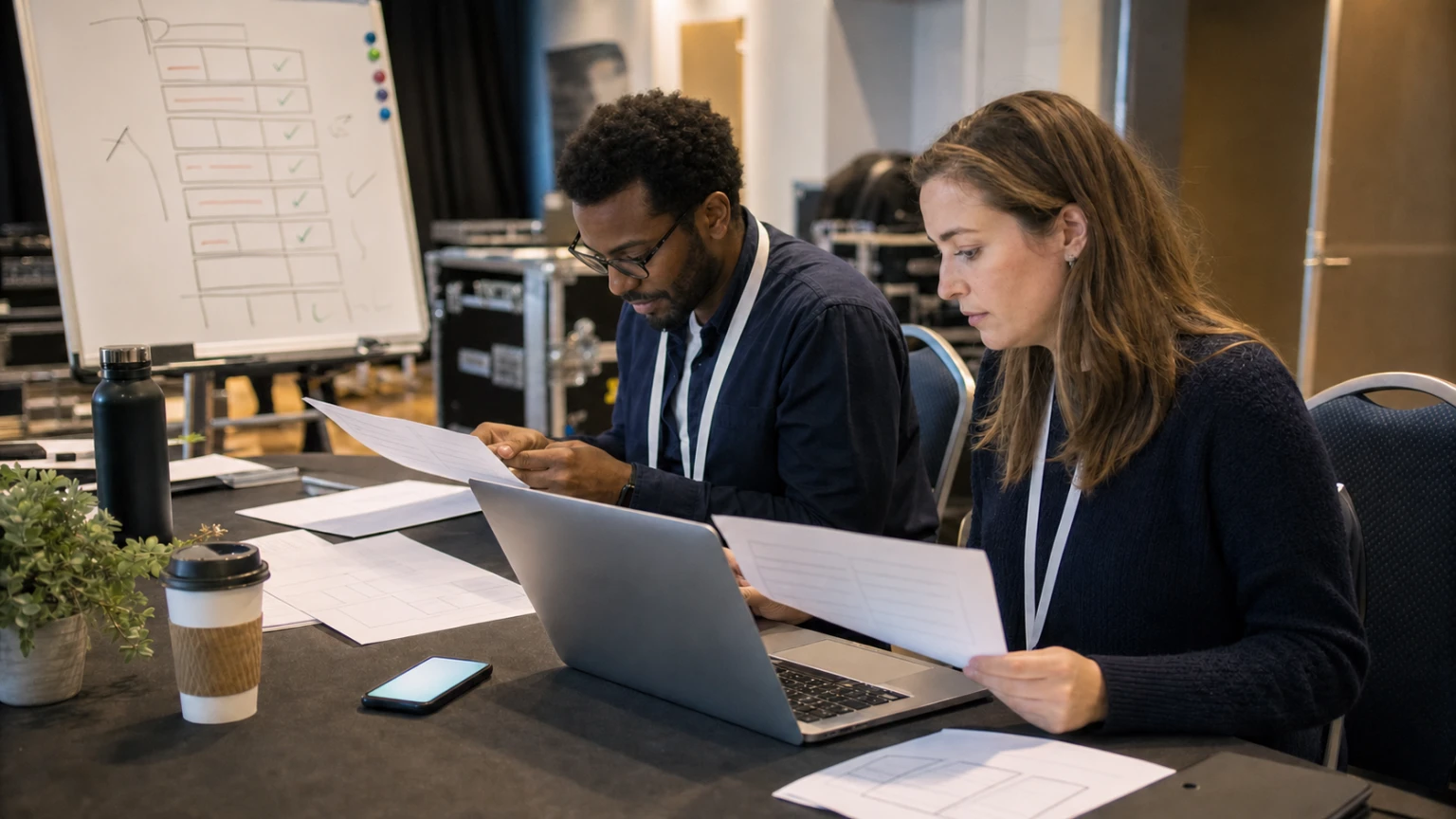
A reported round-up from the Global Event Tech Summit 2026 puts two ideas side by side: strong interest in AI for events, and the continued importance of the human factor.
That framing is useful for event planners because it moves the conversation away from novelty and back toward operations. Most teams do not need AI for its own sake. They need practical help with repetitive work, faster decision support, and fewer avoidable errors.
At the same time, events are live environments. Attendee expectations shift, suppliers miss timings, speakers change plans, and on-site issues rarely arrive in a neat format. That is where human judgment still carries the day.
The best use of AI in event planning is usually not replacing the team. It is helping the team prepare better, spot issues sooner, and spend more time on decisions that need people.
For Bewitt readers, the useful question is simple: where can AI help in a real event workflow, and where should planners keep a person firmly in the loop?
Start with tasks that are repetitive, time-sensitive, and easy to verify
Not every event process is a good candidate for AI support. The strongest starting points are usually tasks with three features:
- they happen repeatedly across the planning cycle
- they consume team time without adding much strategic value
- the output can be checked quickly by a human
That matters because event teams do not need more complexity. They need relief in the places where manual work piles up.
Useful examples include draft communications, internal summaries, schedule comparisons, checklist building, and post-event write-ups. These are all areas where AI may speed up preparation without being given full control of the event.
Where AI can be practical in event planning
1. Drafting and refining attendee communications
Event teams spend a surprising amount of time rewriting similar messages: registration reminders, pre-arrival information, session updates, speaker notices, exhibitor instructions, and post-event follow-ups.
AI can help create first drafts faster, especially when the team provides the right context:
- audience type
- event format
- timing and deadline
- call to action
- tone and approval constraints
The value is not in sending untouched output. The value is reducing blank-page time and making it easier for a planner or marketer to review, tighten, and approve the message.
2. Turning scattered planning notes into usable summaries
Planning meetings generate decisions, open questions, owner lists, and changes that are often buried in notes or chat threads.
AI can help turn that material into structured recaps, such as:
- what was decided
- what is still unresolved
- who owns each next step
- what needs supplier follow-up
- what may affect the run of show
This is practical because event work often breaks down at handoff points. Clearer summaries reduce the risk of something important staying inside one person's notebook.
In event operations, a faster summary is useful only if it creates a clearer next action.
3. Supporting agenda and scheduling reviews
Live events are full of timing pressure. Session changes, room constraints, speaker availability, and production requirements can create conflicts quickly.
AI may help teams review schedules for likely issues, for example:
- tight changeovers between sessions
- speaker clashes
- insufficient setup windows
- overlapping audience demand
- gaps in staffing coverage
That does not mean the system understands the whole event on its own. It means it can help planners scan for patterns faster before a problem lands on-site.
4. Improving post-event reporting preparation
After the event, teams often need to turn attendance data, stakeholder notes, sponsor feedback, and internal observations into one clear report.
AI can help organize that material into a first draft for review. It may also help group recurring feedback themes or highlight common operational issues that should be fixed next time.
For lean teams, this matters. Post-event learning is important, but it often gets rushed because the team is already moving on to the next deadline.
Where the human factor matters most
The summit framing is right to keep the human element in view. Some event decisions are too contextual, too sensitive, or too high-risk to hand over casually.
On-site exception handling
When queues build, a speaker is late, a VIP changes plans, or a supplier misses a delivery, the issue is rarely solved by a generic answer. Someone needs to weigh trade-offs, assess stakeholder impact, and choose what matters most in the moment.
Stakeholder communication under pressure
An automated draft can help, but high-stakes messages still need judgment. This is especially true when updating sponsors, senior speakers, venue teams, or attendees during disruption.
Experience design
AI may support planning inputs, but it does not replace the work of understanding audience mood, event culture, or what makes a format feel welcoming and well-paced. Those choices still depend heavily on human experience.
Final approval on important decisions
Anything affecting budget, safety, contract interpretation, attendee access, or public messaging should stay under clear human review. Event teams need speed, but they also need accountability.
A practical way to introduce AI into an event workflow
For most organizers, the sensible approach is not a major overhaul. It is a controlled test in one or two planning areas.
- Pick one admin-heavy workflow, such as drafting attendee updates or summarizing planning meetings.
- Define what good output looks like before testing.
- Give the tool real event context, not generic prompts.
- Assign a person to review every output.
- Track whether it saves time, improves consistency, or reduces missed details.
- Expand only if the result is genuinely useful.
This keeps the exercise grounded in operations instead of hype.
Questions event teams should ask before relying on AI
- What exact task is this helping with?
- Will it reduce admin, or create extra checking work?
- Can the output be verified quickly?
- Who is responsible for review and approval?
- What happens if the output is wrong on event day?
- Does this support the attendee experience, or only internal convenience?
If the answers are unclear, the use case is probably not ready.
Keep expectations realistic
AI can be useful in event planning, especially where teams are overloaded with drafting, summarizing, organizing, and reviewing information. But it is not a substitute for operational discipline.
A weak planning process does not become strong just because AI is added. Bad source data, unclear ownership, and last-minute decision-making will still cause problems.
The real opportunity is simpler than the headlines suggest: use AI to remove low-value effort, help people prepare faster, and make room for better human decisions.
Final thought
If the reported discussion around the Global Event Tech Summit 2026 signals anything important, it is this: AI in events is most useful when it stays close to real work.
For planners, that means focusing less on big claims and more on practical questions. Where can AI save time? Where can it reduce avoidable errors? Where does the team still need direct control?
Those are the questions that turn AI from a talking point into something operationally useful.



