Accessibility is often discussed in terms of ramps, captions, hearing loops, and signage. Those basics still matter. But conferences are also starting to explore a newer question: how can live technology demos, including robotics, help people participate more fully on-site?
A useful public signal here is the reported news that Pioneer is set to lead an event on the role of robotics in assistive technology, as covered by Bristol24/7. For organisers, that matters less as a novelty story and more as a practical prompt.
The real question is not whether robotics sounds innovative. It is whether a robotics demo can be planned in a way that genuinely improves accessibility for attendees, speakers, staff, and exhibitors.
A technology demo becomes valuable at an event when it reduces friction for real people, not when it simply draws a crowd.
Why this matters for event operations
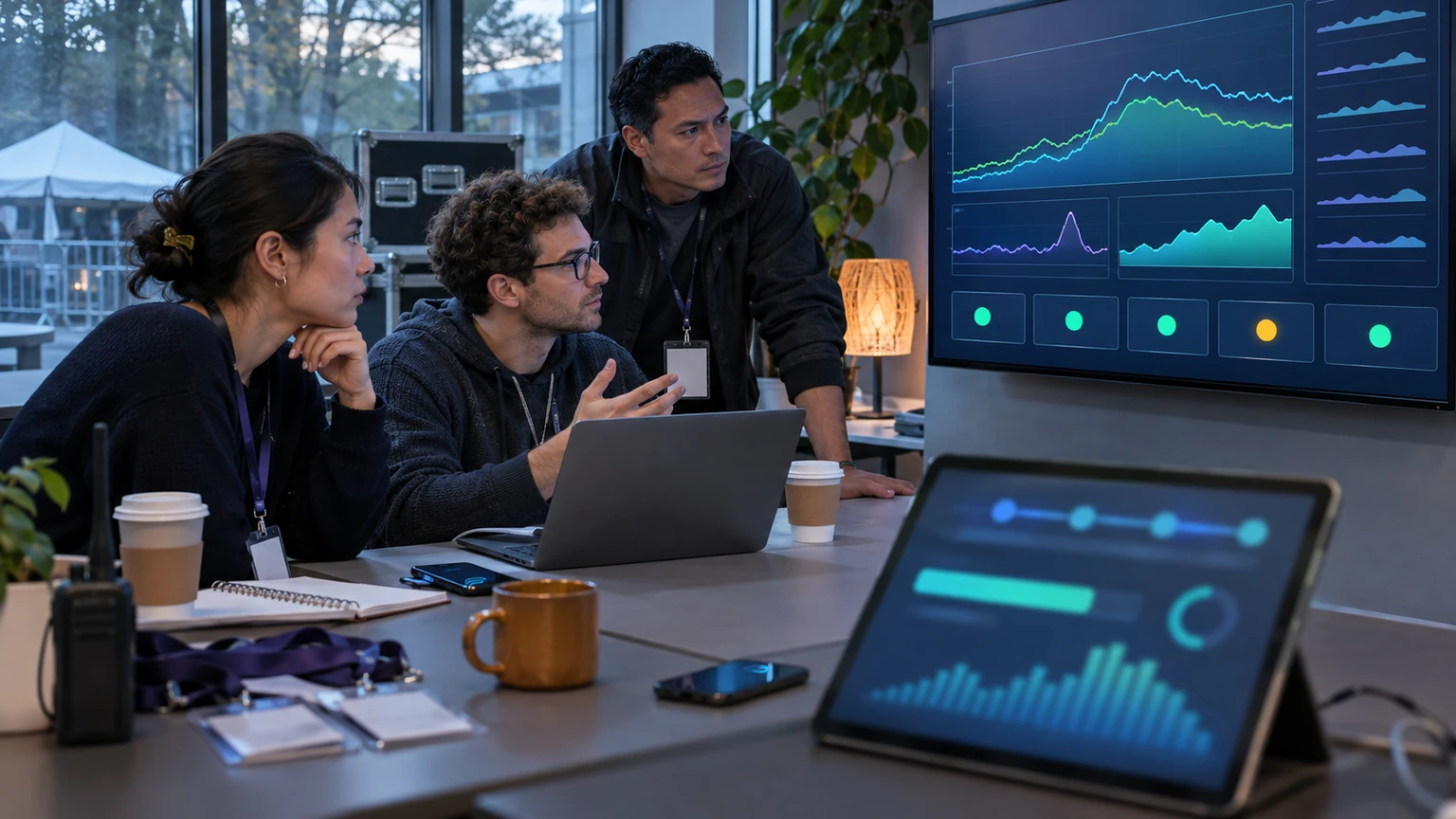
Accessibility choices affect registration, arrival, navigation, session access, exhibitor engagement, staffing, and attendee confidence. If organisers introduce robotics into that environment, they are not only adding a demo. They are adding a live operational element that may shape how people move and participate.
Done well, a robotics demonstration can help event teams:
- show practical assistive technology in context
- create more inclusive attendee experiences
- support accessibility education for sponsors and exhibitors
- give staff clearer examples of inclusive design in action
- open stronger conversations with disability advocates and access partners
Done badly, it can create congestion, confusion, overstimulation, or performative messaging that does not help the people it claims to serve.
What the public signal tells us, and what it does not
From the source idea provided, the confirmed signal is narrow but relevant: Pioneer is reportedly leading an event on the role of robotics in assistive technology.
That is enough to support a grounded discussion about how robotics may relate to conference accessibility, live demonstrations, and event planning.
What this does not confirm on its own is:
- which specific robotics systems will be demonstrated
- how those systems perform in every live event environment
- whether any one demo model improves access for all attendee groups
- what budget or staffing level is required for implementation
- whether the same approach suits conferences, expos, festivals, and corporate events equally well
That distinction matters. A reported event theme is a meaningful market signal, but it is not proof that every robotics demo is accessible by default.
Evidence-aware organisers should treat assistive robotics as a design opportunity that needs testing, not as a shortcut to claiming inclusion.
Where robotics demos can support accessibility in practice
1. Making assistive technology more visible and easier to understand
One practical benefit of a live demo is clarity. Many attendees, sponsors, and even internal event teams may not fully understand how assistive technology works until they see it in use.
A conference demo can help people understand:
- the problem the technology is trying to solve
- who it is designed to support
- what environment it needs to work well
- what limitations or dependencies it has
- how human support still fits around it
That can be especially useful in sectors where procurement, workplace inclusion, education, healthcare, or public access are relevant discussion themes.
2. Creating more inclusive learning experiences
Accessibility is not only about getting into the room. It is also about being able to engage with what is happening there. Robotics demos can give attendees a more concrete way to learn about assistive technology than a slide deck alone.
For organisers, this matters because some audiences respond better to practical, multisensory formats than to abstract explanation. A carefully designed demo can make a session more understandable, memorable, and useful.
3. Improving conversation between event teams and access stakeholders
Live demonstrations can create better discussions between organisers, venue teams, accessibility coordinators, exhibitors, and disability advocates. Instead of speaking in general terms, teams can discuss real movement patterns, space needs, noise levels, support needs, and attendee reactions.
That makes future planning easier. It turns accessibility from a compliance checklist into a more operational conversation.
Start with the attendee journey, not the robot
Many event teams are tempted to begin with the attraction: Which robotics company can demo on stage? A better starting point is the attendee journey.
Ask first:
- Which access barriers are common at this event?
- Which attendee groups are most affected by them?
- Could a robotics demo help people understand or reduce those barriers?
- What support, staffing, and environment would make the demo safe and useful?
- How will attendees interact with it without pressure or confusion?
This approach keeps the event focused on accessibility outcomes, not on spectacle.
What organisers should plan before hosting a robotics demo
Space and flow
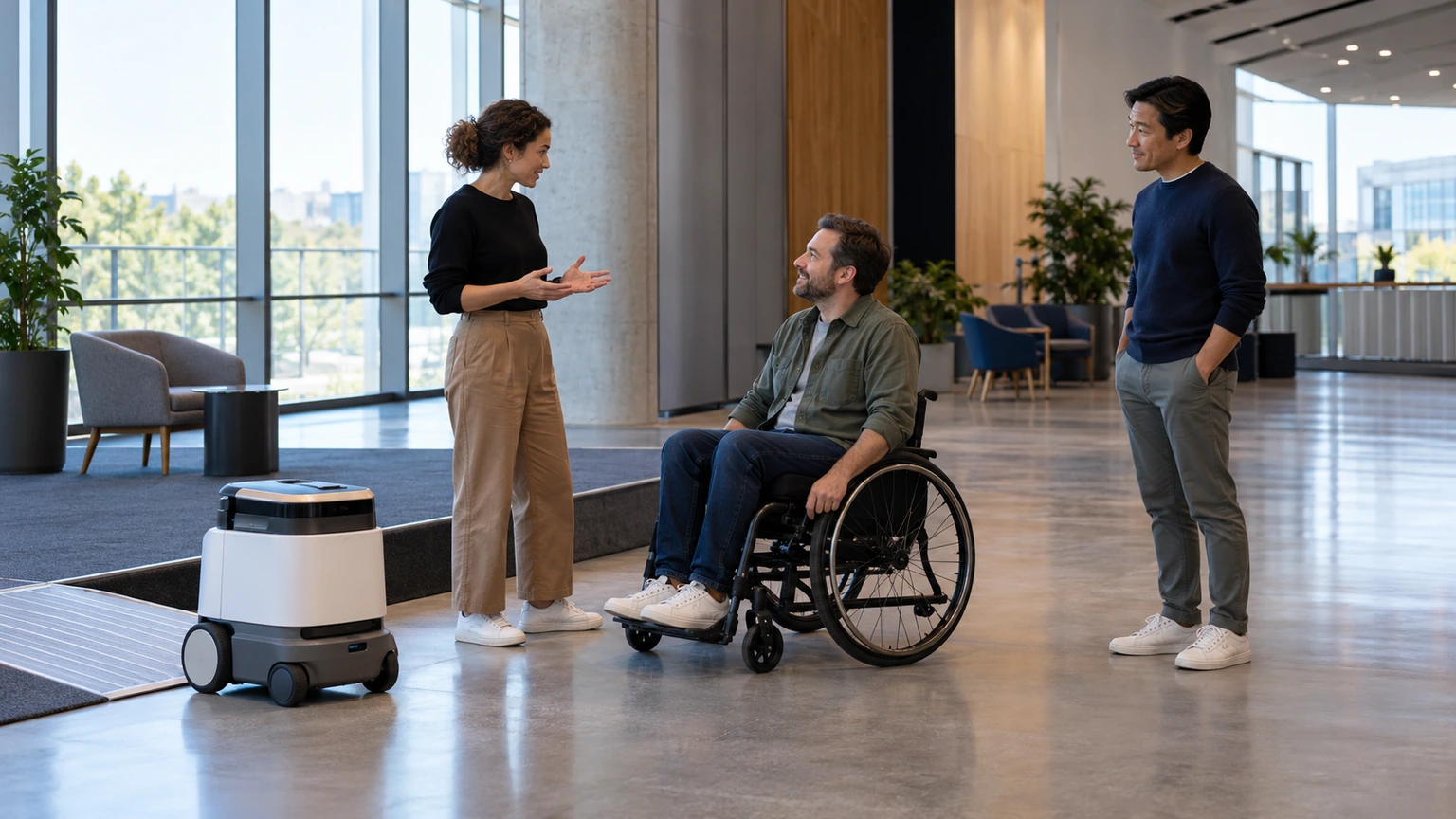
Robotics demos need more than floor space. They need predictable movement conditions, clear sightlines, safe buffers, and room for attendees who may be using wheelchairs, mobility aids, service animals, or support persons.
In practical terms, review:
- queue build-up around the demo area
- turning radius and circulation width
- nearby seating or waiting points
- acoustic impact on adjacent sessions
- entry and exit routes
- emergency access around the installation
If the demo disrupts movement or creates crowd pressure, it can undermine the very accessibility message it is meant to support.
Staff briefing
Staff should understand what the demo is, what it is not, and how to assist attendees around it. That includes front-of-house teams, accessibility staff, volunteers, session moderators, and exhibitors nearby.
They should be ready to answer practical questions such as:
- Is the demo interactive or view-only?
- Is there an alternative format for people who cannot engage in the main way?
- How long does the interaction take?
- Where can attendees go if the area is too crowded or noisy?
- Who handles technical or safety concerns?
Clear attendee communication
Do not make people guess what the experience involves. Explain it in advance and on-site using plain language.
Useful details include:
- what the demo is for
- whether it is live, scheduled, or continuous
- whether sound, movement, lights, or close interaction are involved
- who to speak to for accessibility support
- whether a quieter or lower-stimulation viewing option is available
That helps attendees make informed choices about participation.
How to make the demo more accessible itself
It is easy to focus on robotics as a topic and forget that the demonstration format also needs to be accessible.
Organisers should consider:
- captioning or live text support for explanations
- microphones and clear audio for presenters
- good sightlines for seated attendees
- verbal description of what the robot is doing
- printed or digital summaries in accessible formats
- step-free routes to the demo area
- time for questions without rushing attendees through
If possible, offer more than one way to engage. Some people may want to watch from a distance first. Others may want a guided explanation rather than a crowded open demo.
Where organisers should be careful
Do not confuse visibility with impact
A robotics demo may photograph well and still add little practical value. If the event is using accessibility themes for promotion, organisers should be careful not to imply broad impact without evidence.
Useful questions include:
- Who is this actually helping at the event?
- What access problem does it address?
- Is the benefit immediate, educational, or longer-term?
- Are disabled attendees involved in the design or review of the experience?
Do not create a sensory burden
Movement, lighting, crowd noise, and repeated announcements can quickly make a demo area difficult for some attendees. That matters in conference spaces where people may already be managing fatigue, overload, or concentration challenges.
Simple controls can help:
- scheduled demonstration windows instead of constant activity
- lower-volume presentation formats
- clear quiet routes around the area
- staff who can pause or slow the interaction when needed
Do not leave accessibility ownership with the sponsor alone
If a partner, exhibitor, or technology provider is running the demo, the organiser still needs to own the attendee experience. Accessibility cannot be outsourced completely.
The organiser should set expectations on layout, communication, staffing, queue management, and fallback plans if the installation creates friction.
A practical review model for conference teams
If you are considering an assistive robotics demo, review it like an operations decision.
- Purpose: define the attendee and accessibility goal clearly.
- Fit: assess whether the topic suits the event audience and format.
- Environment: test space, flow, and sensory impact before go-live.
- Support: brief staff and assign clear escalation owners.
- Access: provide alternative ways to engage with the content.
- Feedback: gather attendee and accessibility-partner input after the event.
This makes it easier to judge whether the demo should return, expand, or change next time.
What good looks like
A well-run robotics demo at a conference is not just technically impressive. It is understandable, safe, relevant, and considerate of different access needs.
Good signs include:
- attendees know what to expect before joining
- the area remains easy to navigate
- staff can explain the experience clearly
- people can engage in more than one way
- the session teaches something practical about accessibility
- disabled attendees and accessibility partners have informed the approach
When those elements are present, the demo becomes more than a talking point. It becomes part of a more inclusive event design.
What this means for event teams
The reported focus on robotics in assistive technology is a useful signal for conference organisers. It suggests growing interest in accessibility not only as policy, but as something that can be experienced, discussed, and improved through live event design.
For organisers, the opportunity is real, but so is the responsibility. Robotics demos should be judged by whether they help people participate more confidently and comfortably, not by how futuristic they appear.
If event teams start with the attendee journey, plan the environment carefully, and involve accessibility thinking from the start, robotics can support a conference programme in a practical and credible way.