
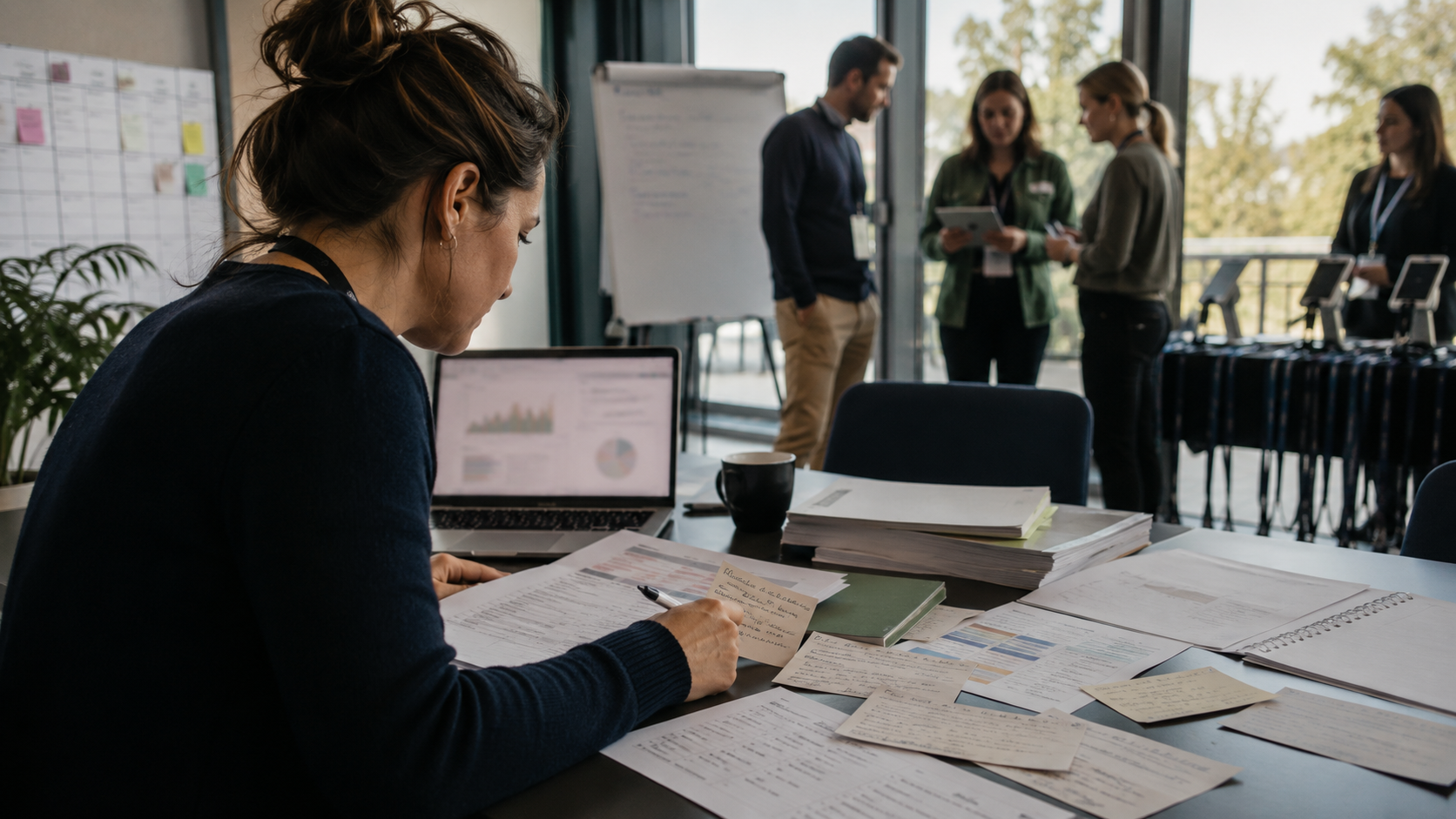
Event teams do not usually suffer from a total lack of data. They suffer from scattered data, late data, and data that answers the wrong question.
That is why better event design often starts somewhere less glamorous than a dashboard. It starts with asking sharper questions about the event you are actually trying to run.
A dashboard can show you what happened. A good event question helps you decide what to do next.
More charts do not fix fuzzy event goals
It is easy to ask for more reporting when an event feels hard to measure. But if the team has not agreed on what it needs to learn, extra charts mostly create extra noise.
Before the event, useful questions might look like this:
- Who is this event really for?
- What do participants need before they arrive?
- Which sessions or activities are likely to matter most?
- What information do we need during registration to run the event well?
- How will we know whether people actually took part, not just signed up?
Those questions shape better operations. They affect registration fields, agenda structure, check-in planning, participant communication, and the kind of feedback you collect later.
Good event questions are operational, not abstract
Organizers rarely need philosophical data. They need practical answers in time to act on them.
For example, asking How was the event? is too broad to be useful. Asking Which parts of the agenda attracted real participation, and where did people drop off? is much better.
That kind of thinking is where an event workspace helps. When registration, agenda, check-in, feedback, and reporting stay tied to the same event record, the team has a better chance of seeing the full picture instead of assembling it afterward from multiple tools.
Start with registration: what do you actually need to know?
Registration is often the first place event teams ask bad questions. They either collect too little, then chase answers later, or collect too much, then never use half of it.
A better approach is to ask only what helps you run the event:
- role or organization details that affect programming
- preferences or requirements that shape logistics
- eligibility or access information for private events
- structured responses that staff will actually review
Bewitt supports optional custom registration fields, so organizers can build event-specific registration forms and export those responses later. That is useful when the goal is not just to fill seats, but to understand who is coming and what setup the event needs.
If a registration question will not change planning, access, or participant experience, it may not belong on the form.
Agenda questions are often more useful than attendance totals
Total registrations matter. But they do not tell you whether the event was designed well.
Some of the best event questions live inside the agenda:
- Which session formats draw attention?
- Where are timing conflicts creating avoidable choices?
- Which sessions need notes visible, and which do not?
- Are participants finding the right information fast enough?
Agenda management is not only a publishing job. It is a signal about what the event is asking people to do with their time. If the schedule is unclear, even good programming can underperform.
Bewitt gives organizers agenda management inside the event workspace, including controls like agenda-item notes visibility. That makes it easier to treat the agenda as a live operational tool, not a static document.
Check-in tells you more when it matches the real event flow
Check-in data is useful only when it reflects how the event actually runs. A messy door process creates messy answers.
That is why one of the most practical event questions is simple: What kind of check-in behavior fits this event?
Some events need self check-in. Some need staff-led check-in. Some need a mix. Bewitt supports mixed, self, and staff-led check-in behavior, and staff-led agenda check-ins can use the participant digital badge with session context.
The important point is not the method itself. It is the clarity. If you want meaningful event activity data, the check-in flow has to match reality at the door and inside sessions.
Feedback works best when the question is timely
Post-event surveys often fail for a boring reason: they arrive after the useful moment has passed.
Good feedback questions are specific, timely, and connected to the event experience people just had. Instead of one giant wrap-up survey, organizers should think about what they need to learn while the event is still fresh.
That can include questions like:
- Did this session deliver what attendees expected?
- Was the agenda easy to follow?
- Did participants understand how to access the right event features?
- Which parts of the experience were worth repeating next time?
Bewitt includes feedback tools in the event workspace, which helps keep responses tied to the event context rather than buried in a separate system.
Human context still matters
This is where event teams can overcorrect. Better data is useful, but event design still needs judgment.
If ten people loved a session and fifty skipped it, the answer is not always to remove it. Maybe it served the right niche audience. Maybe the timing was wrong. Maybe the title undersold it. Maybe the registration mix changed.
That is why better questions matter more than more dashboards. The team still has to interpret the signals with human context:
- what kind of participants joined
- what the event promised publicly
- which modules or activities were actually enabled
- how staff ran the event on the day
Data helps. Context explains.
What this means for event teams using Bewitt
Bewitt is most useful when organizers want core event operations connected in one place: registration, participant access, agenda, check-in, engagement, feedback, payments, branding, and reporting.
That does not magically answer every strategic question for you. It does make it easier to ask better ones, because the workflow is less fragmented.
For a practical review, start here:
- List the decisions your team needs to make before, during, and after the event.
- Check whether your registration form collects the information needed for those decisions.
- Review whether your agenda structure supports the behavior you want from attendees.
- Make sure your check-in setup matches the real event flow.
- Collect feedback while the experience is still fresh.
- Use reporting to answer specific operational questions, not just to admire totals.
The best event question to ask this week
If your team is planning an event now, start with this one: What do we need to learn early enough to act on it?
That question usually leads somewhere useful. It helps you trim unnecessary form fields, clarify access, improve the agenda, and collect feedback that means something.
And if your current setup is a mix of forms, spreadsheets, agenda docs, and manual check-in, Bewitt is worth comparing against that workflow.
You can Book a Demo, start an event, or ask Emma a quick fit or workflow question on the public site.



