
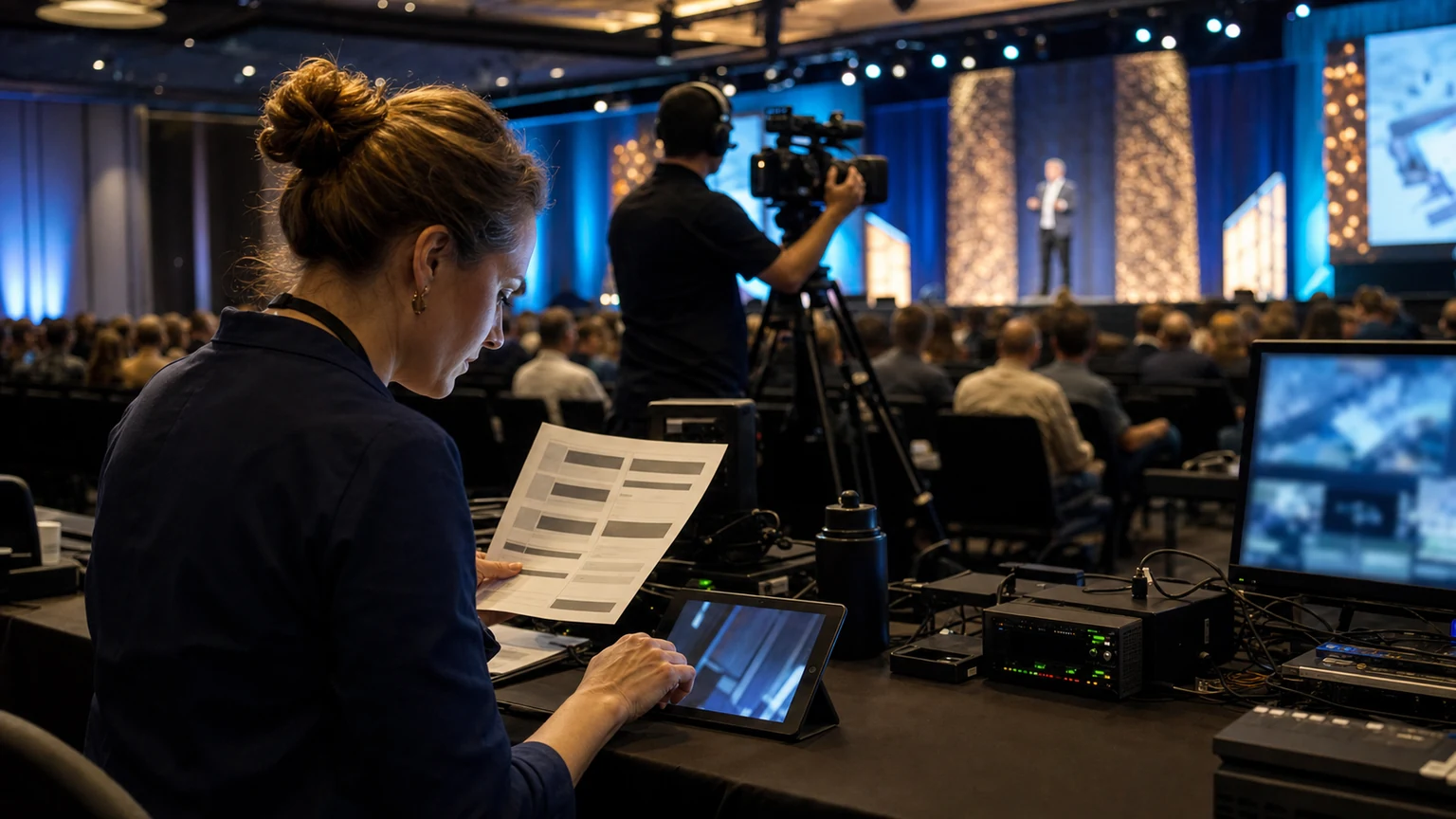
A reported example of a leadership conference offering main stage streaming tickets is a useful prompt for event organizers. It shows that streaming can be sold as a defined conference product, not just treated as extra coverage for people who could not attend in person.
That distinction matters. Once streaming becomes a ticketed access type, pricing, programming, AV planning, attendee communications, support, and sponsor delivery all need clearer structure.
Streaming access is easier to sell when attendees understand exactly what they are getting, and when the event team has designed operations around that promise.
For Bewitt readers, the practical question is simple: how do you price and package conference streaming access in a way that protects value, fits the program, and stays workable for the operations team?
Start by deciding what the streaming ticket actually includes
Before setting a price, define the product.
A common problem is selling “virtual access” without being specific about what that means. That creates confusion for buyers and pressure for the delivery team later.
If your event is offering main stage streaming access, say so clearly. Do not imply that every room, workshop, networking moment, or sponsor activation will be included unless you are prepared to deliver it.
Useful scope questions include:
- which stages or sessions will be streamed
- whether access is live only, or available for a limited replay period
- whether Q&A is included for remote viewers
- whether remote attendees get slides, session summaries, or event updates
- whether sponsor messages or partner content are part of the stream experience
The narrower and clearer the package, the easier it is to price honestly.
Price against access value, not just production cost
Streaming does have production costs. But ticket pricing should not be based only on what cameras, switching, encoding, and staffing cost.
Attendees buy perceived value. For most conferences, that value comes from access to content, convenience, and relevance.
If the streamed product is centered on headline talks, leadership sessions, or a strong main stage agenda, that can justify a meaningful paid pass. If it is a partial feed with limited utility, the price should reflect that.
A practical way to think about pricing is to balance three factors:
- how valuable the streamed content is on its own
- how much of the in-person experience is intentionally excluded
- how much support and delivery quality the event can reliably provide
The goal is not to make a streaming pass feel cheap. The goal is to make it feel clear, useful, and fairly separated from the on-site ticket.
Keep distance between in-person and streaming tiers
Many teams worry that a streaming ticket will cannibalize in-person attendance. Sometimes that risk is overstated, but the concern is valid if the packages are too similar.
In-person tickets usually include more than content: physical access, networking, sponsor interactions, side meetings, venue experience, and the social value of being there.
Your pricing and packaging should protect that difference.
Ways to maintain separation
- limit the streaming pass to main stage sessions or selected tracks
- exclude in-room workshops, hosted meetings, or venue-only experiences
- position the streaming pass for people who want content access, not full event participation
- make the in-person ticket the only route to certain premium or relationship-driven parts of the program
This helps buyers self-select into the right pass instead of comparing two products that look almost identical.
Build ticket tiers around audience reality
Not every conference needs multiple virtual tiers. But many events do benefit from at least a simple structure.
The key is to avoid complexity that creates support questions or checkout hesitation.
A practical tiering model
- Main stage stream pass: live access to keynote or leadership programming
- Stream plus replay pass: live access plus a defined on-demand window after the event
- Team or group access: a package for companies that want multiple viewers
If you use tiering, each level should have one obvious reason to exist. Do not create extra ticket types unless operations, delivery, and communications can support them cleanly.
Use programming logic to decide what belongs in the stream
The best streaming package is rarely “everything.” It is usually the part of the agenda that translates well on camera and still feels valuable remotely.
Main stage content is often a strong starting point because it is already built for broad audience delivery. Leadership talks, opening sessions, flagship panels, and major announcements usually carry more standalone value than highly interactive breakout rooms.
When deciding what to include, review:
- whether the session works well without being in the room
- whether visuals, demos, or audience participation are critical to understanding it
- whether the room setup and run-of-show can support clean capture
- whether speakers are comfortable with being streamed
This is where event programming and technical operations need to work closely together. A session that looks strong in the agenda may still be a poor streaming product.
Plan the operational handoffs early
Once streaming access is sold, remote attendees become a live audience with expectations. That means the streaming pass touches more departments than many teams expect.
At minimum, align these areas early:
- registration and ticketing rules
- agenda labeling and access messaging
- speaker permissions and session approvals
- AV and broadcast production planning
- attendee support ownership during live days
- sponsor delivery commitments
If these handoffs are vague, the event team ends up fixing avoidable issues close to showtime. The product may still sell, but delivery becomes fragile.
Write the offer the way operations will deliver it
Streaming access often gets oversold in marketing copy. That creates the hardest kind of event problem: a gap between commercial promise and live execution.
Keep the public offer plain and specific. Buyers should know exactly what they can access, when they can access it, and what they should not expect.
Useful wording usually covers:
- which sessions are included
- whether the stream is live, replay, or both
- the dates and time zone for access
- how attendees will receive joining details
- what support channel is available if access fails
Clarity here reduces refund pressure, support load, and last-minute complaints.
Think carefully about replay access
Replay can make a streaming ticket more attractive, especially for global audiences or busy professionals. But it also changes the product.
A live-only pass is simpler to explain and can preserve urgency. A replay window increases flexibility, but adds content handling, permissions, and audience support considerations.
If you offer replay, define the limits clearly:
- how long content stays available
- whether all streamed sessions are included
- whether access is individual only
- whether any sessions are excluded after the live event
Do not assume replay is always necessary. For some conferences, live main stage access is the cleaner and more manageable offer.
Give sponsors a role that fits the format
If streaming is a real delivery channel, sponsors may want visibility there too. That can be useful, but only if it fits the viewer experience.
Remote audiences are usually less tolerant of clutter, long interruptions, or awkward promotional inserts. A sponsor package should feel native to the stream rather than copied directly from the physical venue.
Practical options may include:
- sponsor acknowledgment around stream opening or closing
- branding tied to a streamed session block
- brief moderated mentions connected to relevant content
- digital follow-up opportunities after the session
The main rule is simple: protect the usefulness of the stream first. Sponsor value drops quickly if the viewing experience feels overloaded.
Support the remote attendee like a real attendee
Streaming buyers may never walk into the venue, but they still need a functioning event experience.
That means planning for:
- clear confirmation messages
- timely access instructions before the event
- a visible help route during live sessions
- session start times shown consistently
- simple guidance if a stream changes or runs late
These are basic operations details, but they shape whether the remote ticket feels professional or improvised.
A simple pricing review before launch
Before publishing the streaming pass, ask the team five direct questions:
- Is the streamed product clearly defined?
- Is the difference from the in-person pass obvious?
- Does the public description match what AV and operations can deliver?
- Will remote attendees know exactly how and when to access the stream?
- Can support staff answer common questions without escalation?
If the answer to any of those is no, the package probably needs refinement before launch.
Keep expectations realistic
Streaming access can expand reach and create a useful revenue line. It can also help conferences serve audiences who want content but cannot travel.
But not every conference agenda becomes a strong virtual product automatically. The offer works best when the content is suitable, the package is narrow enough to deliver well, and the event team treats streaming as a planned attendee experience.
That is what the reported example of main stage streaming gets right as a strategic signal. It frames streaming as a defined conference access model.
Final thought
If you want to monetize conference streaming, start with product clarity, not camera coverage.
Define what is included, protect the difference between remote and in-person value, and build pricing around the usefulness of the streamed experience. When that foundation is solid, streaming access becomes much easier to sell and much safer to run.



