
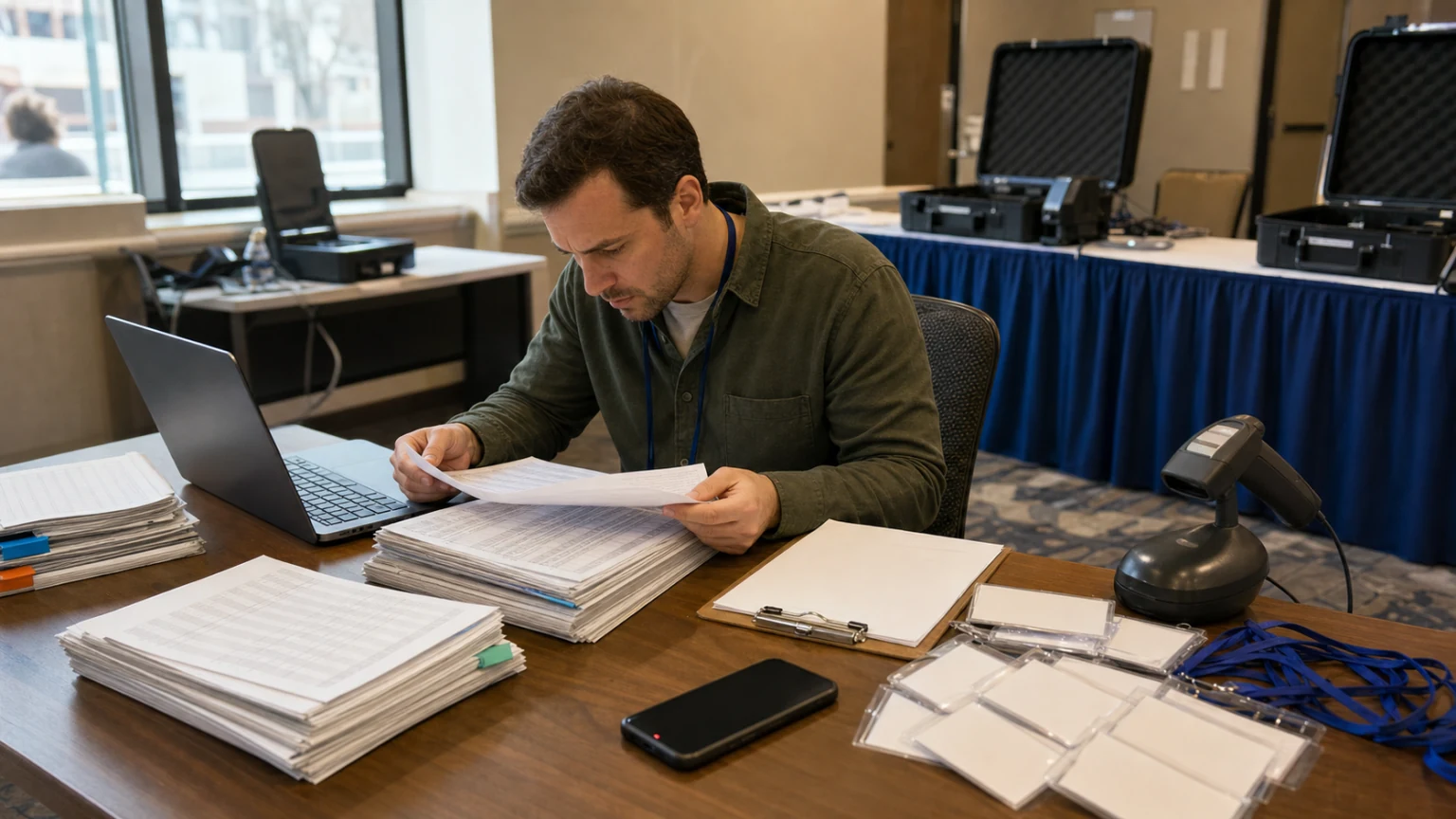
Most event data problems do not start as dramatic problems.
They start as small, reasonable decisions. A quick spreadsheet export. A manual attendee update. A last-minute VIP add. A registration form sitting in one place while the agenda list lives somewhere else.
Then the event gets closer, and suddenly the team is asking a dangerous question: which participant list is the real one?
If your registration list, check-in list, and reporting list do not match, the problem is not only bad data. It is operational uncertainty.
This is the “one real participant list” problem, and it has a habit of showing up at the worst possible time: the night before the event, during badge scanning, when a participant cannot access the agenda, or when leadership wants a clean attendance report the next morning.
For organizers, this is rarely about one bad tool choice. It is usually the result of event work being split across too many places.
Why this problem keeps coming back
Most teams do not set out to create three versions of the truth. It happens because event operations are full of moving parts.
A participant may register through one workflow, get edited in a spreadsheet, be added to a sponsor dinner manually, need a ticket adjustment, answer custom registration questions, and then show up for session check-ins on site.
If those updates are handled across disconnected tools, the participant record starts to drift.
Common causes include:
- manual imports that are not fully reconciled later
- registration updates made in a spreadsheet but not reflected in the live event workspace
- separate lists for paid tickets, comp tickets, speakers, sponsors, or staff
- agenda signups managed apart from the main participant record
- late changes handled through inboxes and chat instead of the event system
- custom questions collected in one form and participant access managed somewhere else
Each step seems manageable on its own. The trouble comes when check-in, support, agenda access, and reporting all depend on the same person data being current at the same time.
What breaks first when the list is not really one list
The obvious problem is confusion. The less obvious problem is that the confusion spreads across the whole event.
Check-in gets messy fast
If the person in front of your staff appears on one list but not another, the queue slows down immediately. Now your team is troubleshooting identity, payment status, invitation status, or session access while everyone behind that person waits.
Bewitt is built around event-specific participant access, digital badges, check-in flows, and agenda check-ins tied to the event workspace. That matters because check-in works better when the team is not bouncing between separate records just to confirm whether someone belongs there.
Agenda and session activity become unreliable
If agenda registration and participant records are not connected properly, you can end up with attendees who think they are registered for a session but are missing in the wrong place, or attendees showing session activity that no longer matches their current status.
That is especially painful in multi-day events, training programs, and hybrid schedules where updates keep happening.
Support becomes slower and more stressful
When a participant says, “I signed up already,” support should not have to search a form tool, a ticket export, and an inbox thread just to answer basic questions.
One event place to return to is not only better for participants. It is also calmer for the team answering them.
Reporting turns into a cleanup project
Post-event reporting gets harder when attendance, registration responses, ticket status, feedback, and session activity are scattered. Instead of reviewing the event, the team spends time reconciling it.
Reporting problems usually begin long before the report. They begin when the event is run on split records.
Why this is usually an event workflow issue, not just a data issue
It is tempting to treat participant-list problems as admin mistakes. That is too simple.
What is really happening is that the event workflow has no stable center. Registration lives in one place, access in another, agenda updates somewhere else, and final attendance confirmation somewhere else again.
That is why the same mess repeats from event to event. Even careful teams struggle if the workflow itself encourages drift.
A better setup is practical, not grand: keep registration, participant access, agenda participation, check-in, and reporting tied to the same event record as much as possible.
That is one of the clearest operational benefits of using an event workspace instead of rebuilding the event across forms, spreadsheets, inboxes, and PDFs.
What “one real participant list” should mean in practice
This does not mean every organizer will never export a CSV again. It means the event should have one primary participant record that the team trusts.
In practice, that record should support things like:
- who joined the event and how they access it
- ticket tier or registration status, where paid ticketing is enabled
- custom registration responses, where registration fields are enabled
- agenda participation and session check-in activity
- profile and participant details used by staff and organizers
- feedback and post-event reporting tied back to the same event workspace
Bewitt supports participant management, imports, registration flows, optional custom registration fields, paid tickets, agenda views and registrations, check-in behavior settings, digital badge flows, feedback, and reporting in the same event workspace.
That does not mean every event needs every module enabled. It does mean the organizer has a better chance of keeping participant operations connected when those workflows live together.
Where organizers usually lose control
There are a few moments when the list tends to split.
1. Before launch
The team is still deciding who should be invited, whether the event is public or private, and what details need to be collected. At this stage, people often patch together temporary forms or side lists that later become permanent by accident.
2. During registration changes
Name fixes, role changes, team assignments, discount questions, ticket swaps, and manual additions create pressure to “just update it here for now.” That is how drift starts.
For events using Bewitt’s paid ticketing, organizers can manage ticket tiers, discount codes, comp tickets, and sales reporting inside the event setup. For events using the Registration fields module, they can collect structured answers and include those responses in participant exports. Keeping those tasks close to the participant record reduces side-list behavior.
3. In the final week
This is the danger zone. Staff lists appear. Sponsors submit late names. Session owners want updated access. Someone asks for a new CSV “just to be safe.” Suddenly nobody knows which export is still current.
4. On site
Once check-in starts, every mismatch becomes visible. If a participant cannot get in, the team does not care whose spreadsheet caused it. They just need a reliable answer.
How to reduce participant-list drift before it hurts you
You do not need a perfect process. You need a stricter source of truth.
Here are practical ways to get closer:
- Decide early which system is the live participant record for the event.
- Use imports carefully, then stop maintaining parallel manual lists unless there is a clear reason.
- Collect registration details in the event workflow instead of separate ad hoc forms when possible.
- Keep ticket status, participant access, and agenda participation tied to the same workspace.
- Limit last-minute updates through inboxes and ask staff to make changes in the event system itself.
- Before event day, test a few real participant journeys: registration, login, badge access, session check-in, and profile details.
- Make sure the on-site team knows where to check the live record, not which spreadsheet tab to guess from.
None of this sounds glamorous. That is the point. Good event operations are often boring in the best possible way.
Why this matters even more for repeat and growing events
The more often you run events, the easier it is to inherit old list problems.
Recurring event teams often reuse documents, exports, and naming habits from the last cycle. If the previous event had side lists everywhere, the new event starts with the same weakness.
Bewitt now lets organizers duplicate an event from settings to create a new draft with dates shifted forward and sensitive settings stripped out. Historical attendee, payment, check-in, feedback, application, and redemption data are not copied into the new event. That is useful because repeat events usually need structure and content reuse, not stale participant history pretending to be current.
A clean new draft is safer than dragging last year’s attendee mess into this year’s registration workflow.
What this looks like for different organizer types
Associations and member programs
These teams often need more than a yes-or-no RSVP. They may need session choices, custom registration questions, participant updates, and post-event feedback in one place.
Paid events and conferences
Once ticket tiers, discount codes, group purchases, and comps enter the picture, the participant record gets more operational weight. It is not just a contact list anymore. It is part of access control and event-day accuracy.
Team-based or cohort events
If the event uses Teams, participant assignment matters even more. Team membership, team points, readiness, and leaderboard visibility are easier to manage when the participant record is not split across tools.
Training days and structured programs
Events that need registration questions, attendance tracking, and session-level follow-through usually feel participant-list drift earlier, because each data point affects what happens next.
What Bewitt is really helping with here
The strongest Bewitt story is not “we do everything.” It is simpler than that.
Bewitt gives organizers one practical event workspace for the participant work that too often gets scattered: registration, participant access, agenda, check-in, feedback, payments, branding, and reporting.
That matters because the “one real participant list” problem is rarely solved by adding another disconnected tool. It is solved by giving the event a clearer operational home.
Your event should not require six logins and three spreadsheets just to answer one participant question correctly.
Final thought
When organizers talk about event chaos, they often describe the symptoms first: slow check-in, missing names, wrong session lists, bad exports, messy follow-up.
The underlying problem is often smaller and more basic. The event never had one participant record that everyone trusted.
If your current setup is a mix of forms, spreadsheets, agenda docs, and manual check-in, that is a useful place to start comparing workflows.
Bewitt is built for organizers who want one place for the chaos, from the first signup to the final report.
Book a Demo or Start an event if you want to see how Bewitt handles registration, participant access, agenda, check-in, feedback, and reporting in one event workspace.



