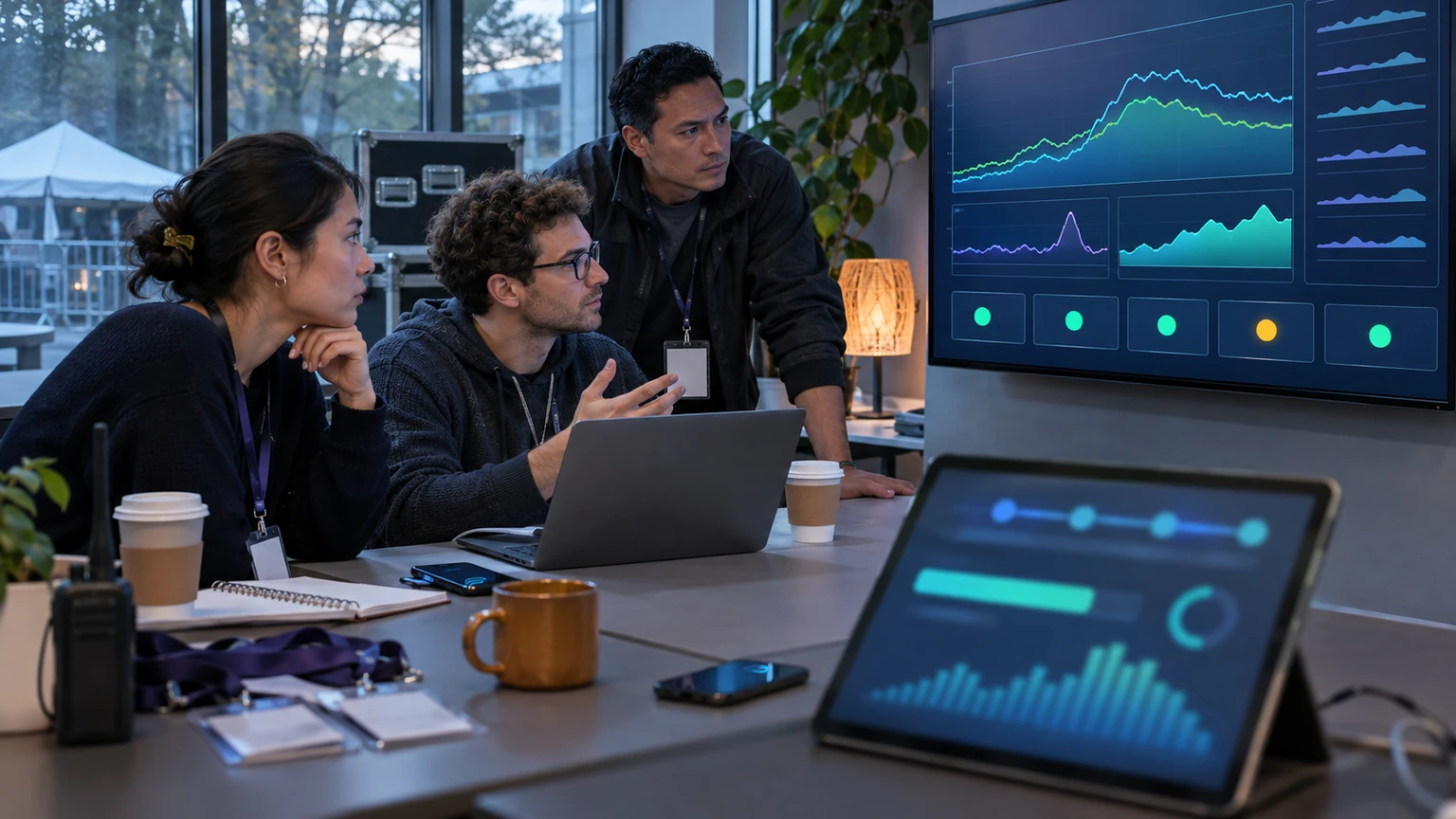

A homepage can explain who you are. It usually cannot answer a time-sensitive event question quickly enough.
That is the real reason organiser-created event pages matter. When an attendee, sponsor, speaker, or exhibitor needs one specific answer, sending them to the main website often adds friction instead of reducing it.
For event teams, the practical goal is simple: keep the event's details in the event, not buried behind whatever the main site is promoting that week.
If people are attending one event, they should not have to navigate your whole business to find one event-specific answer.
Why this matters for event operations
Event information changes quickly. Session timing moves, room names change, sponsor assets need visibility, and attendees look for the same answers repeatedly in the final days before going on-site.
When those answers live only across a generic homepage, top navigation, or scattered PDF links, teams usually feel the strain in familiar ways:
- more inbound support questions
- slower answers from staff
- confusion around agenda and location details
- missed sponsor visibility
- last-minute updates that are harder to find
- extra pressure on registration and help desk teams
A dedicated event page does not solve every communication problem. But it gives the event a clear operational home.
Why the homepage often fails in practice
Most homepages are designed to serve multiple goals at once: brand messaging, lead generation, product positioning, company news, and navigation to many parts of the site.
That is fine until someone needs a fast answer to a narrow question, such as:
- What time does registration open?
- Which sessions are most relevant?
- Who are the sponsors?
- Where is the venue?
- Has anything changed today?
- What should exhibitors know before arrival?
A homepage is rarely built around those needs. It usually asks the visitor to browse first, interpret the site structure, then find the event content themselves.
That extra effort is small in theory, but costly at event scale.
What a good event page actually does
A useful event page is not just a marketing landing page. It is a working reference point for the people involved in the event.
At minimum, it should help visitors get to the next answer fast.
That usually means including:
- the event name, date, time, and location
- a short overview of what the event is
- agenda highlights or a simple programme summary
- sponsor information
- speaker or featured participant details, where relevant
- practical venue and arrival information
- clear links to registration, ticketing, or attendee actions
- space for last-minute updates
The point is not to publish everything. The point is to publish the details people ask for most.
The best event page is usually not the most elaborate one. It is the one that answers the next likely question without making people hunt for it.
Agenda highlights belong on the event page
One of the most common mistakes is making attendees download a full programme or leave the event context just to understand what is happening.
A dedicated event page should at least show the shape of the day.
That can include:
- headline sessions
- key start and end times
- major breaks or networking periods
- featured speakers
- session tracks, if they are simple enough to summarise clearly
This does not replace a full agenda if the event needs one. It makes the agenda easier to discover and easier to trust.
For many visitors, agenda highlights are the deciding factor for whether they register, arrive on time, or stay for more of the programme.
Sponsor visibility works better in context
Sponsors benefit when their presence is placed inside the event journey, not hidden on a general partners page somewhere else on the site.
An event-specific page gives organisers a practical place to present sponsors in context:
- headline sponsor placement near the top of the page
- category-based sponsor listings
- short descriptions that explain relevance
- links to sponsor resources or activations
- event-day acknowledgements tied to agenda or experience areas
This is better for visitors because it makes sponsor involvement easier to understand. It is better for organisers because sponsor delivery becomes more visible and easier to point to.
Last-minute updates need a stable home
Event teams often rely on email, social posts, or app notifications for updates. Those channels matter, but they are not always enough on their own.
People miss emails. Social posts disappear in the feed. Not every attendee will open the app at the right moment.
An event page gives those updates a stable location that staff can link to repeatedly.
Useful update examples include:
- room changes
- arrival instructions
- parking or transport notes
- check-in changes
- revised timings
- speaker substitutions
When one source is clearly maintained, every other channel becomes easier to use because teams know where to send people for the current version.
What organisers should prioritise first
If the team does not have time to build a complex page, start with the high-friction information.
In most events, that means prioritising:
- date, time, and venue
- what the event is for
- who it is for
- agenda highlights
- how to register or attend
- what has changed recently
That basic structure is often enough to reduce confusion significantly.
It is better to publish one clear, maintained event page than to spread partial information across five places that drift out of sync.
How to make the page operationally useful
A page becomes useful when ownership is clear.
Before publishing, event teams should decide:
- who updates the page
- how often it is reviewed
- which information must always stay current
- what happens when a change is made elsewhere
- which staff members will link to it in attendee communications
This matters because a neglected event page creates a different problem: people find it, then stop trusting it.
Operationally, the page should be treated as a live reference point, not a one-time marketing asset.
Where teams should be careful
Not every event page works well just because it exists.
Common mistakes include:
- copying the homepage tone but not adding event specifics
- publishing a page that lacks practical details
- hiding updates too far down the page
- forcing users into downloads for basic information
- listing sponsors without clear relevance or hierarchy
- forgetting mobile readability
Another common issue is trying to make one page serve every audience equally. Attendees, exhibitors, sponsors, and speakers may need different links or sections. A single page can still work, but the navigation has to reflect real user needs.
A simple review model for event teams
To judge whether an event page is doing its job, ask a few practical questions:
- Can a first-time visitor understand the event in under a minute?
- Can they find the most important logistical details without leaving the page?
- Can staff confidently send people to this page for updates?
- Are sponsor placements visible and relevant?
- Is the page still accurate this week, not just when it launched?
If the answer to several of these is no, the homepage is probably carrying too much of the burden.
What good looks like
A good event page is easy to describe because it behaves like a reliable event hub.
It is clear, current, and specific. It helps people decide, prepare, and show up with fewer questions. It supports sponsors without overwhelming visitors. It gives the operations team one dependable destination to use across outreach and support.
Most importantly, it respects the context the visitor is already in: they are not exploring your company in general. They are trying to participate in one event.
What this means for event teams
If your current practice is to drive event traffic to the homepage, the fix does not need to be complicated.
Start by giving each event its own maintained page. Put the key details there. Keep it current. Use it in confirmation emails, social posts, sales conversations, and support replies.
Generic homepages still have a role. But when event operations depend on fast, specific answers, event-specific pages usually work better because they reduce search time, lower confusion, and keep the event's details where they belong.